Ethernet & I/O
Setting window detail and how to set
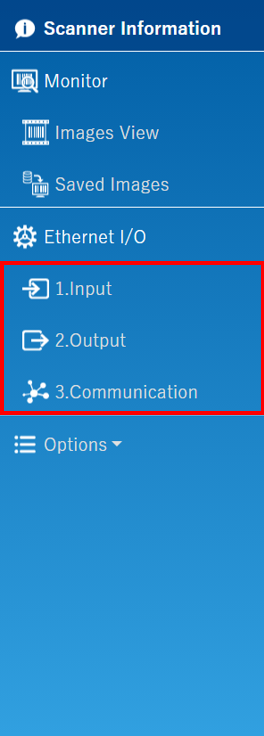
The setting window consists of 3 sections.
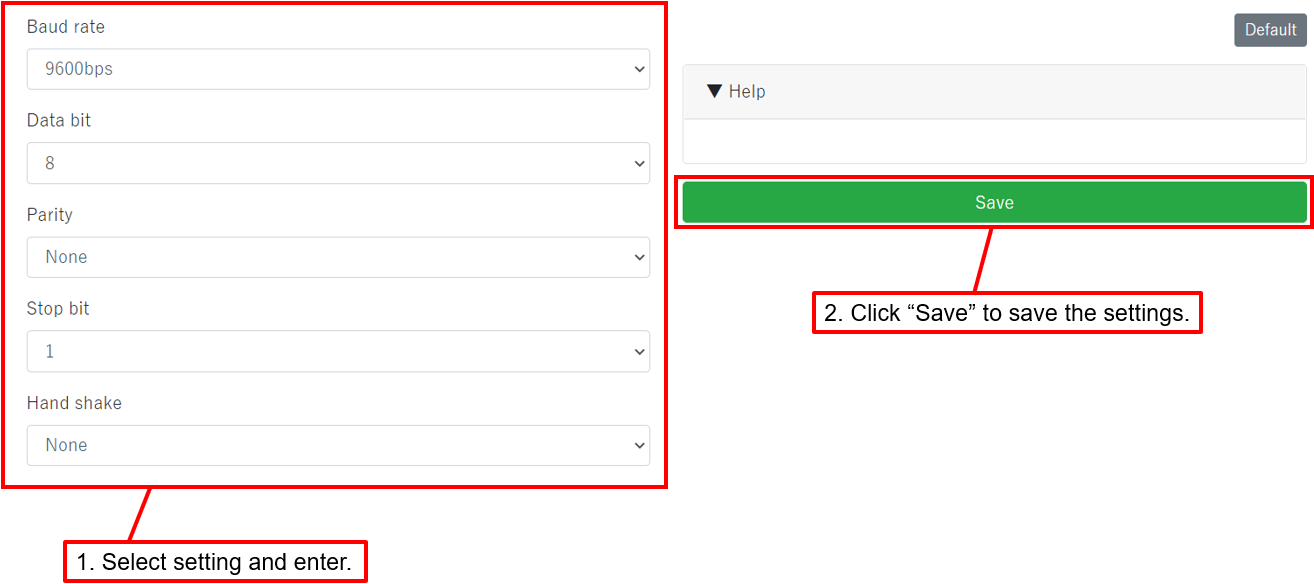
Select the section to set and enter the setting,
then click "Save". Set each page.
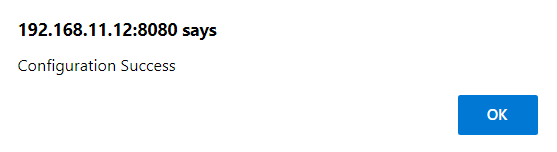
"Configuration Success" is displayed when you click "Save". Click OK. The values of each form, check box and radio button will be reflected in the scanner.
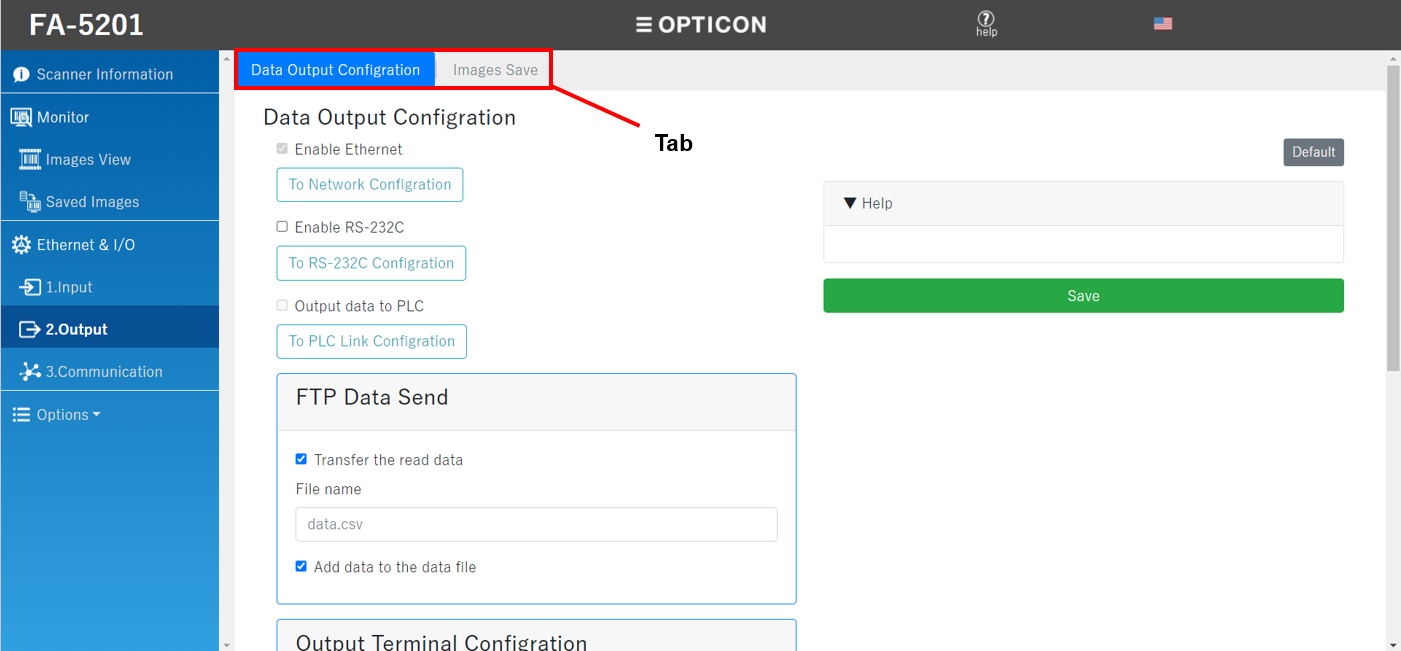
2. Output and 3. Communication has multiple tabs. Enter settings for each tab and click the "Save" each time.
Click "Default" to return the values on each form to the factory defaults.

Just clicking "Default" will not set the scanner. To set the scanner, click "Save".
If you want to:
- Save scanned image:
- To save with RAM, click here
- To save with FTP, click here
- Set IN terminal, OUT terminal:
- For IN terminal, click here
- For OUT terminal, click here
- Connect PLC with Ethernet→click here
- Output data with RS-232C→click here
- View the scan image in real time→click here